
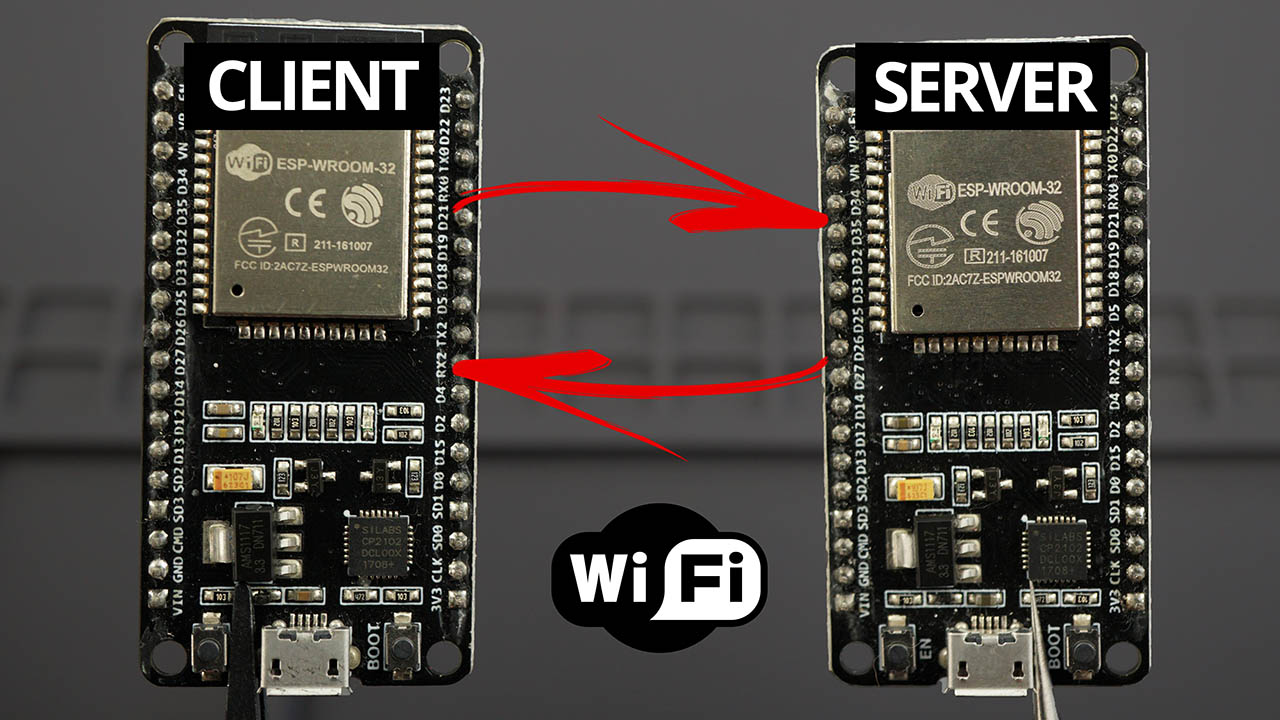
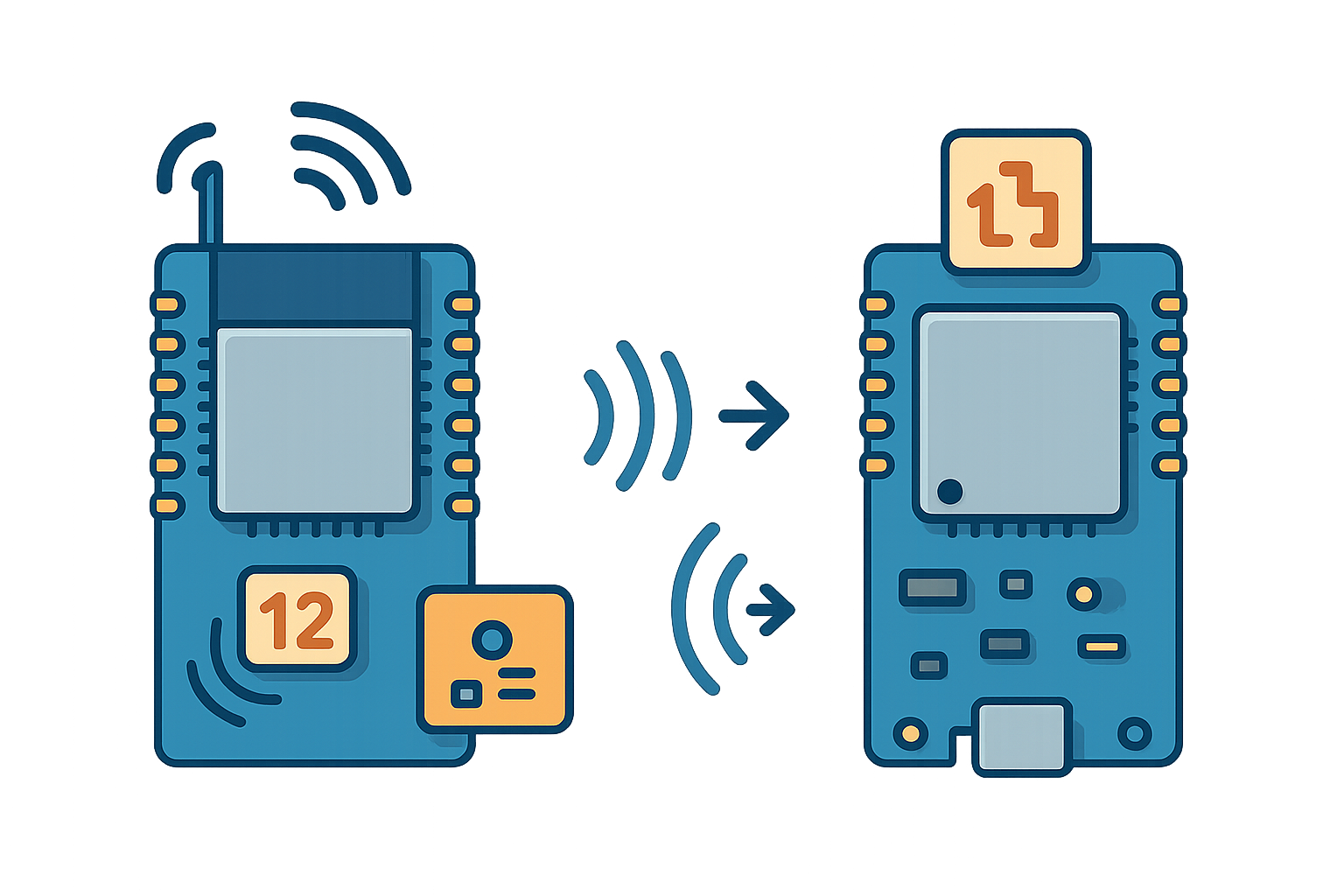
Muy últil en muchos proyectos con ESP32, por su simplicidad respecto al BLE.
https://github.com/huecat/Conectar-ESP32-por-Wifi-Sin-Router
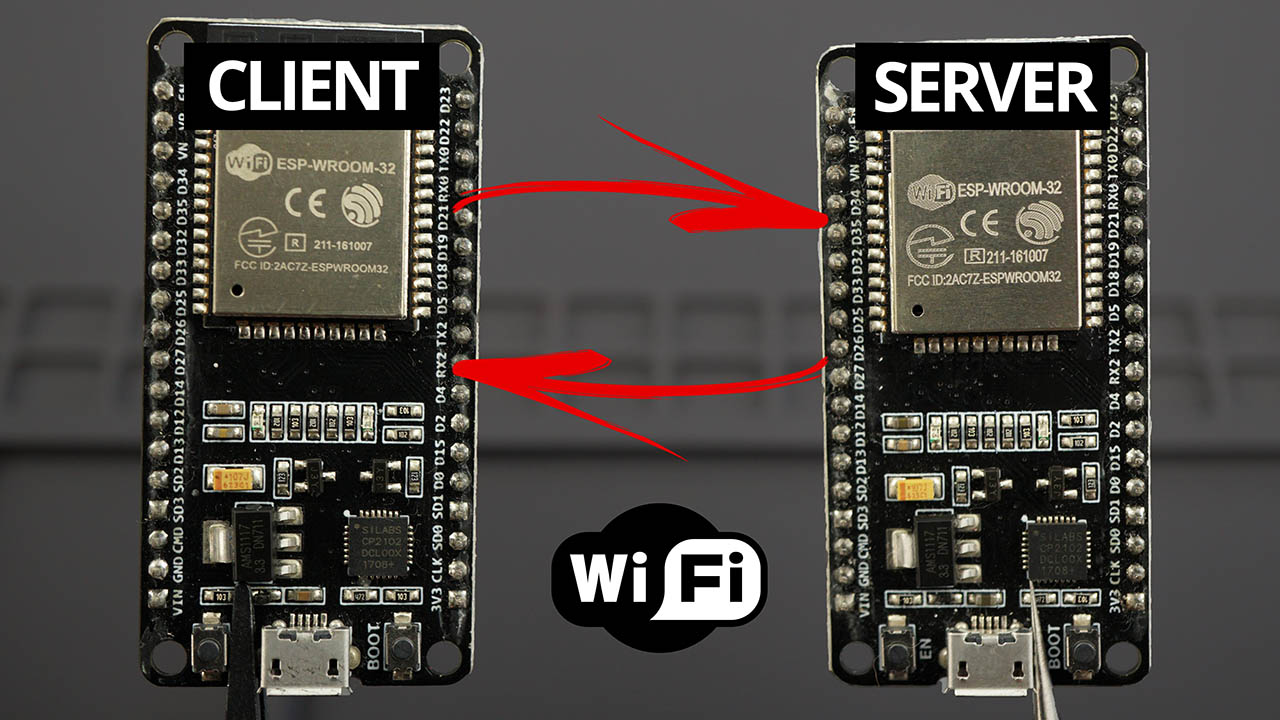
Servidor:
#include <WiFi.h>

const char* ssid = "Nombre_Red_Servidor";
const char* password = "Contraseña_Servidor";
WiFiServer server(80);

int buttonPin = 5;
int buttonState = 0;

void setup() {
  Serial.begin(115200);
  pinMode(buttonPin, INPUT_PULLUP);

  // Configurar el ESP32 como un punto de acceso
  WiFi.softAP(ssid, password);

  IPAddress IP = WiFi.softAPIP();
  Serial.print("AP IP address: ");
  Serial.println(IP);

  server.begin();
  Serial.println("Server started");
}

void loop() {

  WiFiClient client = server.available();

  if (client) {
    //Serial.println("New client connected");
    while (client.connected()) {
      // Leer el estado del botón
      buttonState = 99;

      //String response = String(buttonState) + "," + String(analogRead(A0)) + "," + String(random(100));
      //client.println(response);

      if (client.available()) {
        String request = client.readStringUntil('\r');
        Serial.print("Client says: ");
        Serial.print(request);
        Serial.print(", ");

        int b = request.length();
        //Serial.print("b=");
        //Serial.println(b);

        if (b > 2) {
          int value1 = request.substring(0, request.indexOf(',')).toInt();
          request = request.substring(request.indexOf(',') + 1);
          int value2 = request.toInt();
          Serial.print("Received values from client: ");
          Serial.print(value1);
          Serial.print(", ");
          Serial.println(value2);
        }

      }


      //////// cada 3 segundos envia
      static unsigned long a;
      if (millis() > a + 5000) {
        a = millis();
        // Enviar dos variables simuladas al servidor
        int value1 = 2; // Valor simulado 1
        int value2 = 4; // Valor simulado 2
        int value3 = 6; // Valor simulado 2
          String response = String(value1) + "," + String(value2)+ "," + String(value3);
        //String response = String(buttonState) + "," + String(analogRead(A0)) + "," + String(random(100));

        Serial.print("Sending response: ");
        Serial.println(response);

        client.println(response);

        client.stop();

      }

    }
    //Serial.println("Client disconnected");
  }
}
Cliente:
#include <WiFi.h>

const char* ssid = "Nombre_Red_Servidor"; // Reemplaza con el SSID de tu red
const char* password = "Contraseña_Servidor"; // Reemplaza con la contraseña de tu red
const char* serverIP = "192.168.4.1"; // Reemplaza con la dirección IP del servidor
const int serverPort = 80;

void setup() {
  Serial.begin(115200);

  Serial.println("Conectándose a la red WiFi...");
  WiFi.begin(ssid, password);

  while (WiFi.status() != WL_CONNECTED) {
    delay(500);
    Serial.print(".");
  }

  Serial.println("");
  Serial.print("Conectado a la red WiFi. Dirección IP: ");
  Serial.println(WiFi.localIP());
}

void loop() {
  // Simular dos valores enteros para enviar al servidor
  int value1 = 1; // Valor simulado 1 (número aleatorio entre 0 y 9)
  int value2 = 3; // Valor simulado 2 (número aleatorio entre 0 y 99)

  // Construir la solicitud al servidor en el formato "value1,value2"
  String request = String(value1) + "," + String(value2);

  Serial.print("Enviando solicitud al servidor: ");
  Serial.println(request);

  // Establecer la conexión con el servidor
  WiFiClient client;
  if (client.connect(serverIP, serverPort)) {
    // Enviar la solicitud al servidor
    client.println(request);

    // Esperar la respuesta del servidor
    String response = client.readStringUntil('\r');
    Serial.print("Respuesta del servidor: ");
    Serial.println(response);

    // Si necesitas utilizar los valores de la respuesta separados por comas, puedes hacerlo de la siguiente manera:
    int serverValue1 = response.substring(0, response.indexOf(',')).toInt();
    response = response.substring(response.indexOf(',') + 1);
    int serverValue2 = response.substring(0, response.indexOf(',')).toInt();
    //response = response.substring(response.indexOf(',') + 1);
    //int serverValue3 = response.toInt();

    Serial.print("Valores recibidos del servidor: ");
    Serial.print(serverValue1);
    Serial.print(", ");
    Serial.print(serverValue2);
    //Serial.print(", ");
    //Serial.println(serverValue3);
  }

  // Esperar 5 segundos antes de enviar una nueva solicitud
  delay(5000);
}


Deja un comentario